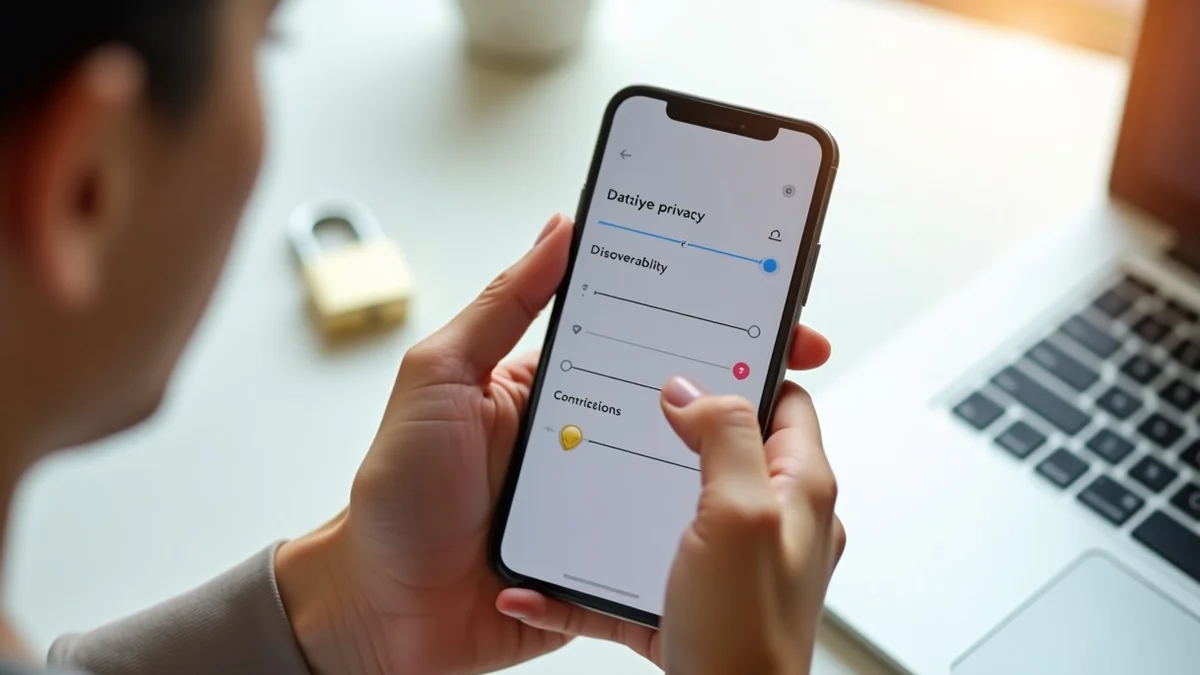
Dating app privacy settings can limit who sees your profile, how accurately the app places you, and which phone data it can access. Review discoverability, location, contacts, permissions, login security, and photo choices before relying on an account. These controls reduce unnecessary exposure, but they cannot prevent another person from taking a screenshot or copying information already displayed.
Published by Match Pace
Privacy Settings Control Exposure but Cannot Eliminate It
Privacy controls manage what the platform and other members can see through its designed features; they do not control information once another person has viewed it. A match can screenshot a profile, copy its text, or recognize a detail that the app does not flag. Treat every profile element, image, and visible distance signal as information that could be shared beyond its original audience.
Deleting a profile, pausing it, or changing a permission may affect future visibility or collection without erasing information already seen, copied, or retained under the service’s procedures. Settings labels and behavior can also change after app updates. A useful privacy setup therefore depends on checking the current controls, not assuming an earlier choice still works the same way.
What Discoverability and Distance Settings Reveal About You
Discoverability determines whether the app can show your profile to potential matches, while age and distance displays add identifying context. Review whether your profile is visible, whether distance appears to others, and whether the app uses precise or approximate location. Precise location supports tighter nearby results; approximate location uses a broader area. A travel mode may place your profile near a selected area, depending on the app’s controls. Pausing may stop new profile display while existing matches or conversations remain available.
When Contact Syncing Connects Dating With Your Existing Life
Contact syncing can upload phone numbers or email addresses from your device so the service can support connection, suggestion, or blocking features. Even when contacts are not publicly displayed, an upload can create a link between a dating account and people already in your phone.
Social-account connections, shared sign-in options, and suggested connections can also make it easier to connect a dating profile with another online identity. A lower-exposure setup keeps contact syncing off unless a clearly described feature is needed and removes prior uploads or linked accounts that are no longer wanted.
Phone Permissions and Account Security
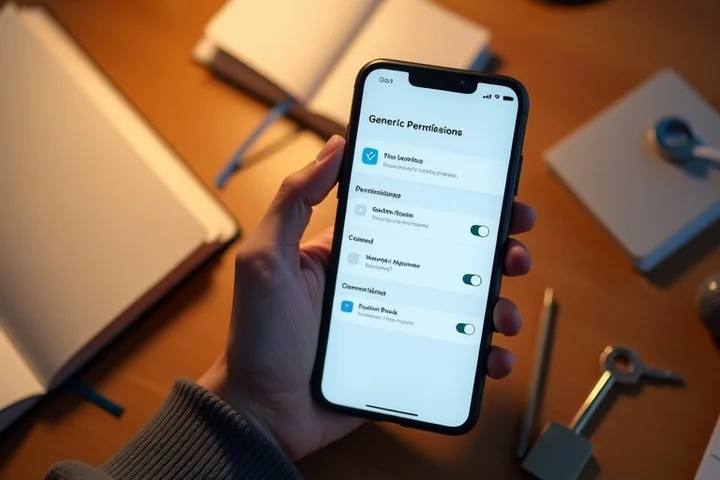
Set location access to only while using the app when that setting is available; approximate location may be adequate if nearby matching still works for you. Remove contact access unless you intentionally use a contact-based feature. Camera and microphone access can remain off until a feature needs them, and photo-library access can be limited to images selected for upload where phone controls allow it.
A unique password prevents a password exposed through another account from being directly reused for this one. Turn on multifactor authentication if the account offers it. Recognized-device lists and login activity also deserve regular review so an unfamiliar session can be removed and the password changed promptly.
What Background Details in Photos Can Expose
An address on a package, a workplace badge, a vehicle plate, a school logo, a document, or a recognizable landmark can narrow down where you live, work, study, or spend time. Home interiors can also reveal mail, schedules, building names, or other information that was not meant to be part of the profile.
Some image files can contain metadata such as time or location details before upload. A pre-upload crop, blur, or replacement image reduces reliance on an app to remove those details. Avoid using photos that connect your dating profile to a routine location or to records visible in the frame.
Precise Location Improves Nearby Matches While Increasing Exposure
| Location Setting | Practical Use | Exposure Effect |
|---|---|---|
| Precise location | Supports tighter nearby matching and more refined distance calculations. | Creates a more detailed location signal for the service to use. |
| Approximate location | Keeps matching centered on a broader area. | Reduces the precision of the location information supplied by the phone. |
| Visible distance | Helps members judge practical proximity. | Can reveal relative closeness even when no map pin or address is shown. |
| Location only while using the app | Allows location-based functions during active use. | Limits background access when the phone’s permission controls support that choice. |
Review Privacy Controls After Every Major App Update
An app update can move a setting, add a connection option, change a permission request, or alter notification behavior. The practical safeguard is a short repeat review after every major app update, an operating-system permission change, or a change in how you use the account. Its purpose is to catch a setting that has reverted, a new feature that has become active, or a connection that no longer fits your privacy boundary.
That review covers discoverability, displayed age and distance, location precision, and whether the profile is paused or active. It also covers camera, microphone, photo-library, contacts, and location permissions at the phone level; linked social accounts and uploaded contacts inside the app; and notification previews on the lock screen, where a name or message content may be visible to someone else. Login activity, recognized devices, password uniqueness, and multifactor authentication belong in the same review. Current in-app privacy information and account documentation provide the relevant details when a control’s label or effect is unclear.
The most useful dating app privacy settings are the ones that limit information the account does not need: broad location access, contact uploads, connected identities, unrestricted photo access, and visible notification content. A periodic review keeps those choices aligned with the current version of the app and the way you use it.